WARURU — Demolition Physics Sandbox
Waruru (와르르) is the Korean sound of things crumbling down all at once.
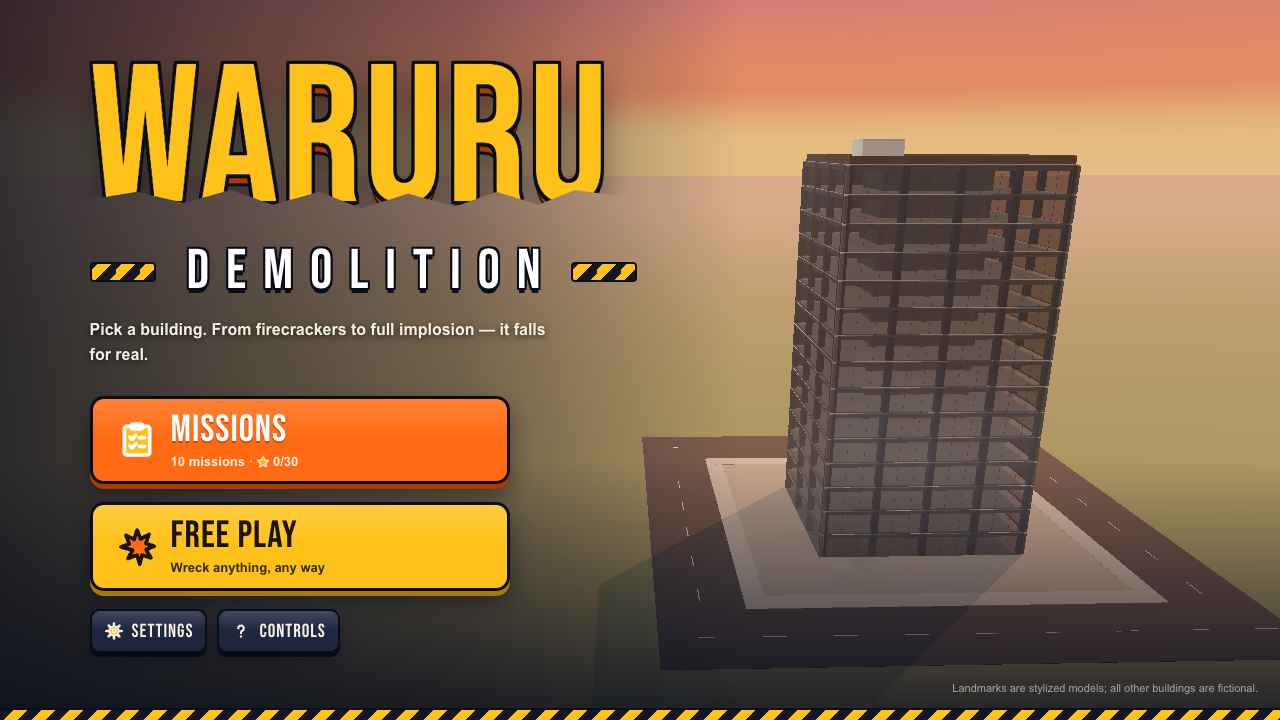
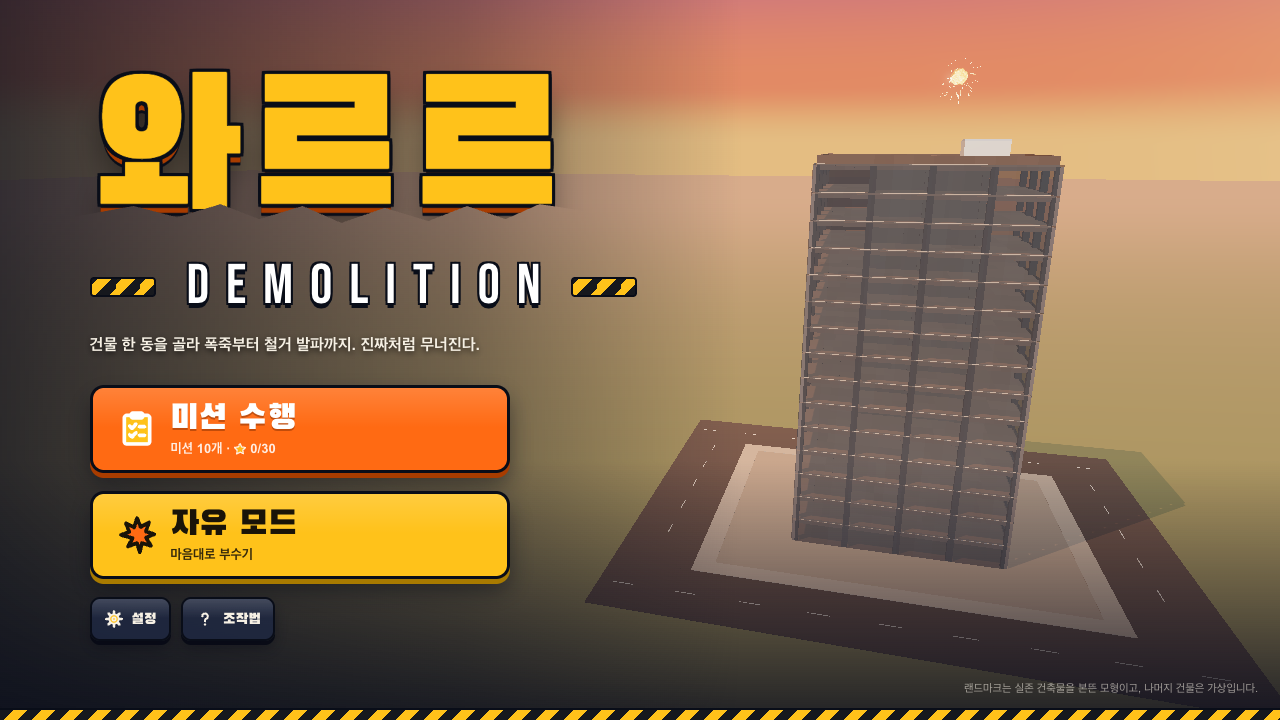
WARURU is a demolition sandbox you play in your browser. Pick one building, then take it apart with explosives, weapons or full demolition methods, and watch it come down piece by piece. Had a rough day? Blow off some steam — Free Play has no timer and no fail state.
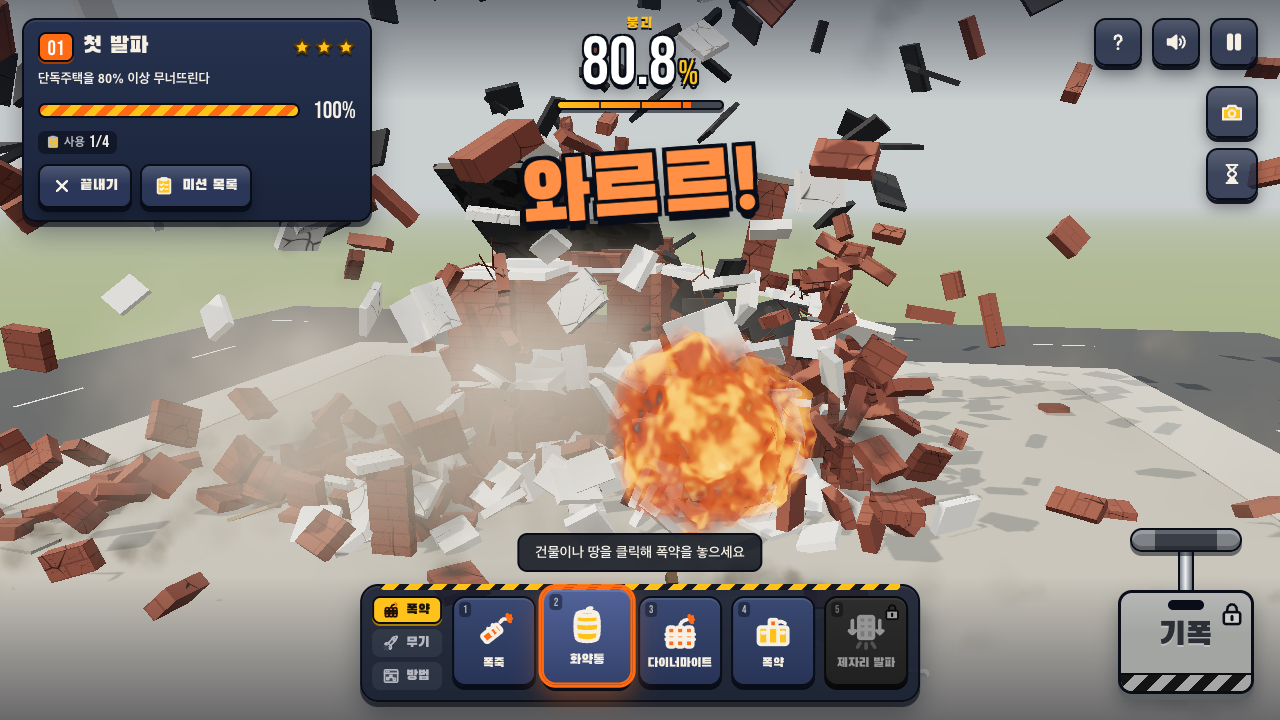
Every building is made of pieces tied together by bonds. When load or impact is more than a bond can take, it breaks. Chunks break off, fall, hit the ground and shatter again. A section that loses its footing tips over as a whole. Physics runs in real time (Rapier) and renders in 3D (Three.js).
Features
- 10 buildings, 15 tools (5 explosives, 6 weapons, 4 demolition methods)
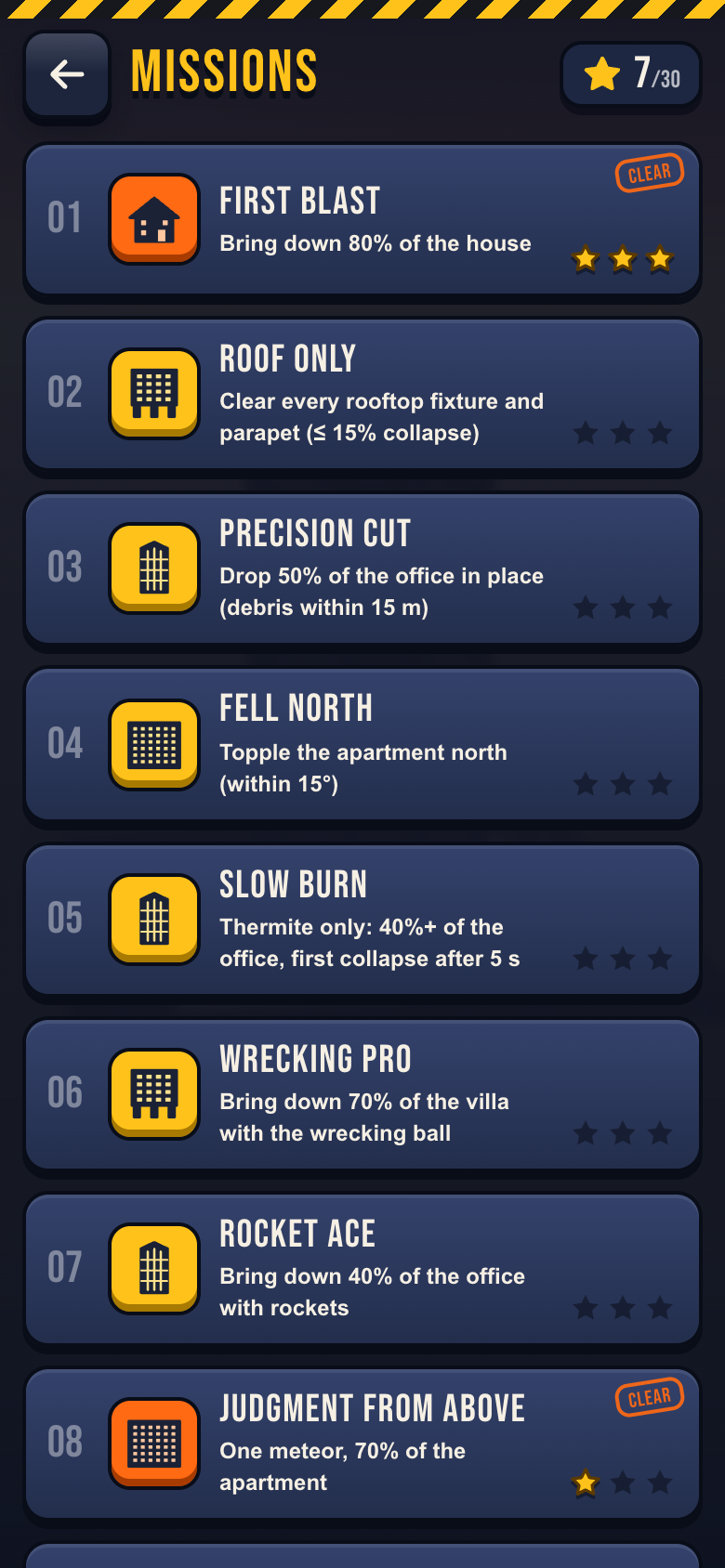
- 10 missions with up to 3 stars each (30 stars total)
- Free Play: switch buildings at any time and restore the building with one button
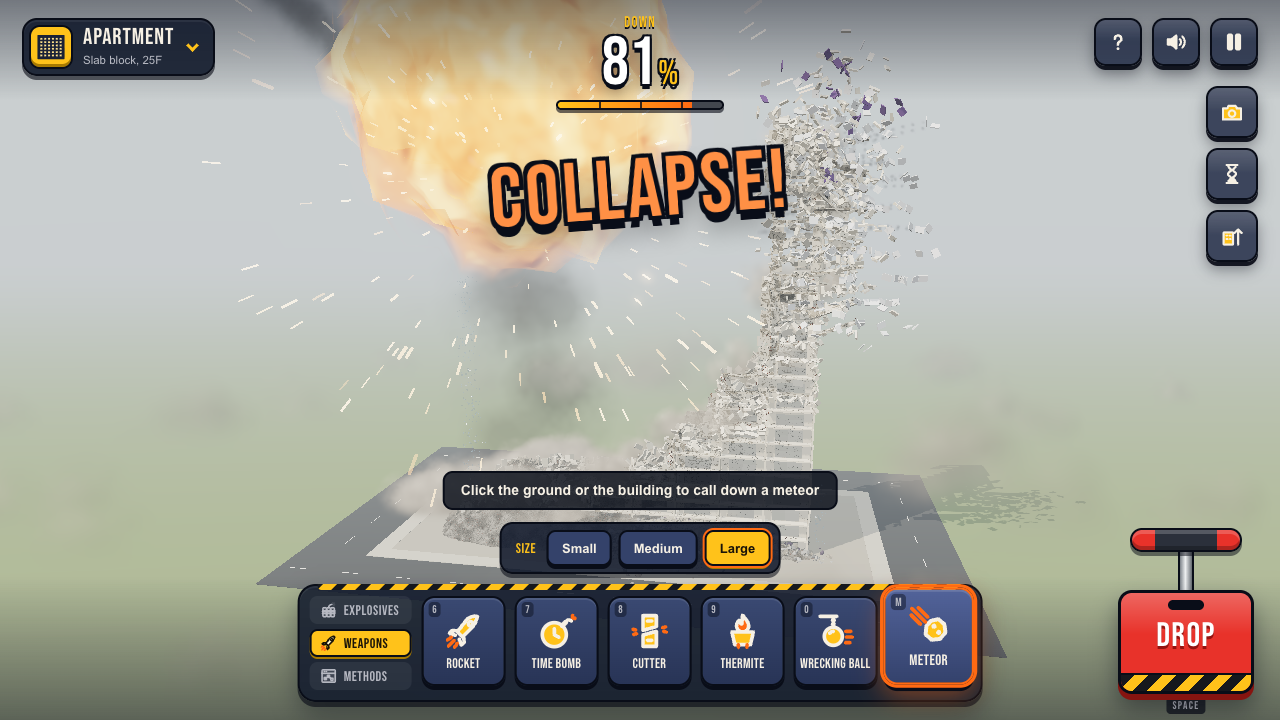
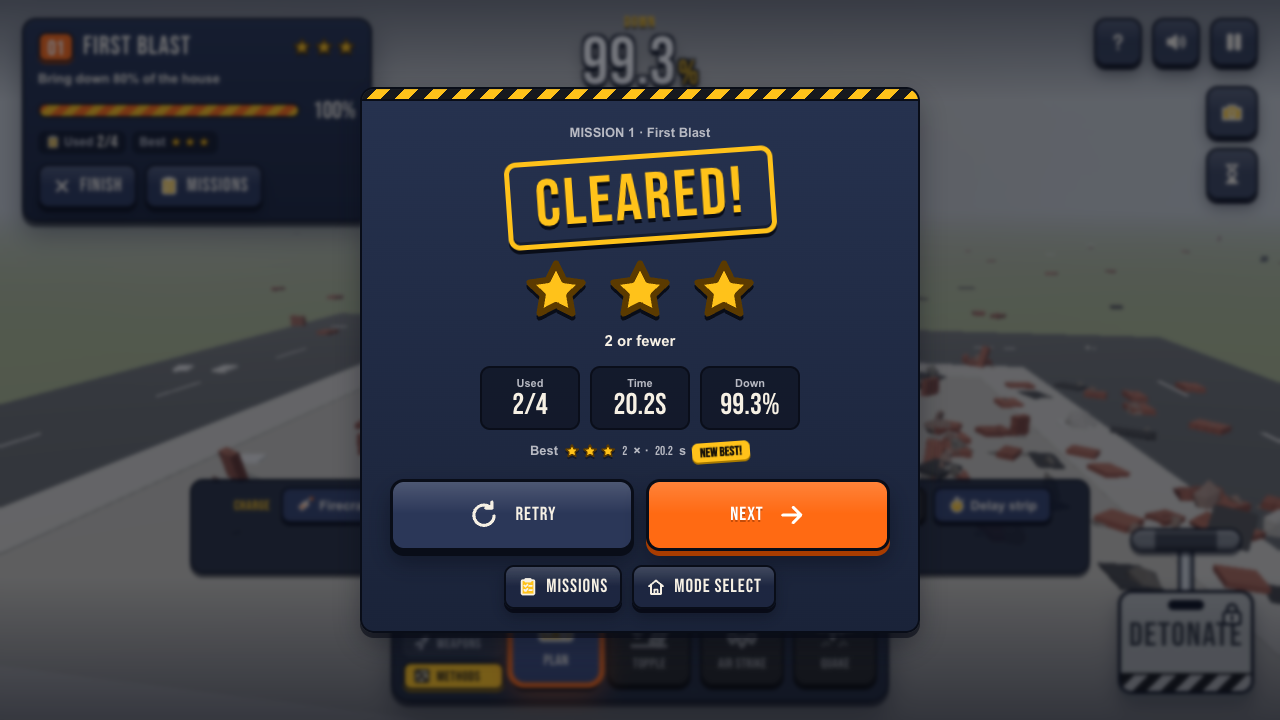
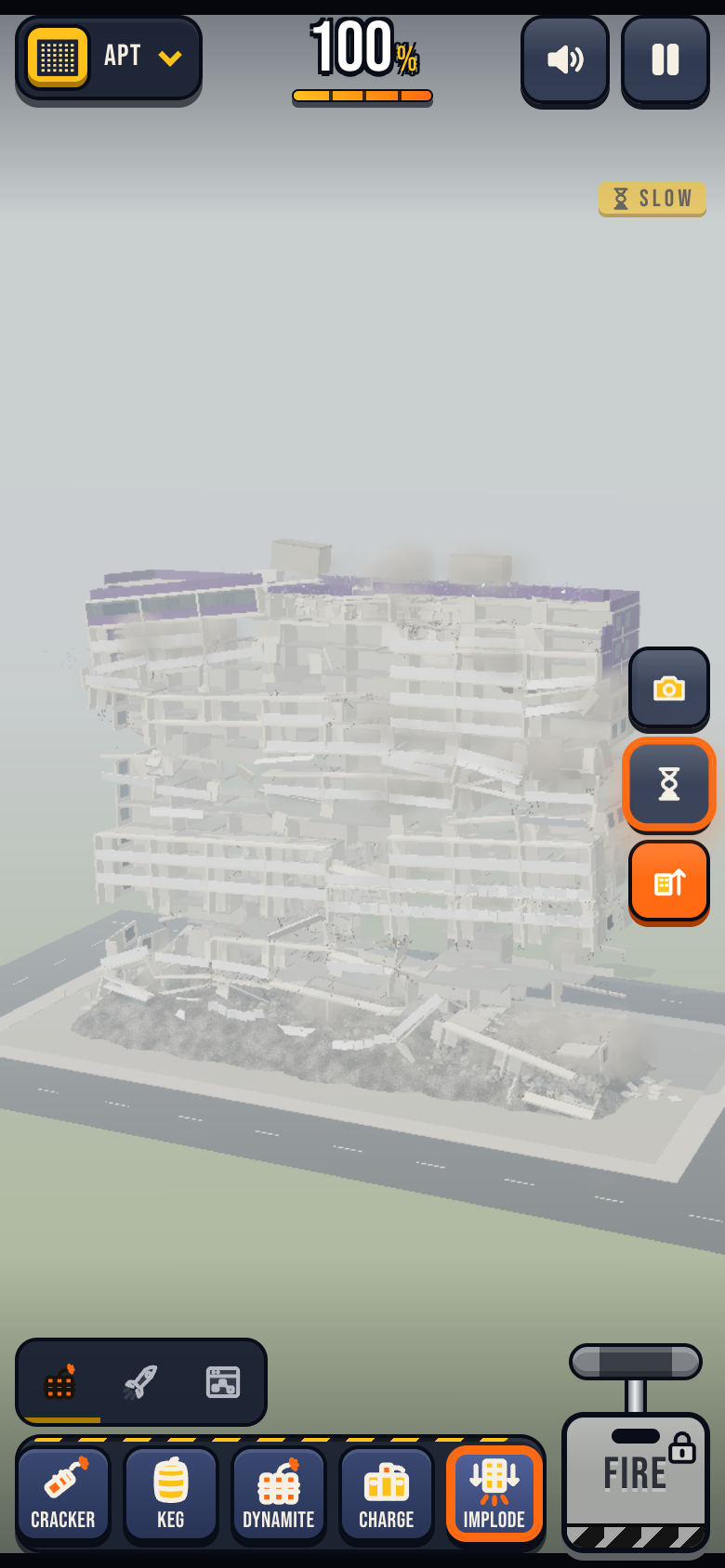
- Collapse meter with 25 / 50 / 75 / 100% milestones (Cracked! → Leaning! → Collapse! → TOTAL DEMOLITION!)
- Slow motion (×0.25) and 4 camera views: front, side, aerial, ground
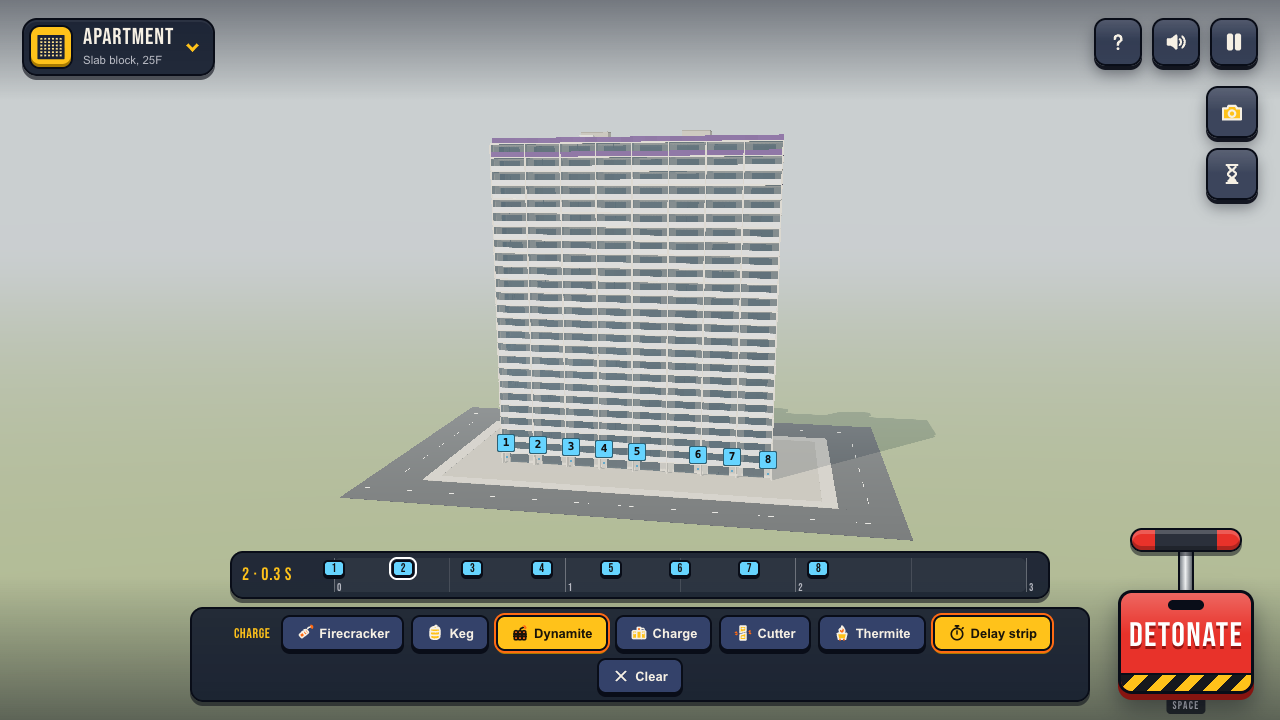
- Sequence planner: place up to 12 charges and set each delay on a 0–3 s strip
- Sound effects generated in real time (no audio files)
- Quality settings: Auto measures your device; you can also fix High, Medium or Low
- Mission best results and your Free Play sequence plans (one per building) stay in your browser
- Play in English or Korean (한국어) — switch any time in Settings
Modes
- Missions: 10 set challenges, each with its own building, allowed tools, use limit and star targets.
- Free Play: no rules. Pick any building and any tool.
Missions
- First Blast: bring down 80% of the house
- Roof Only: clear every rooftop fixture and parapet (≤ 15% collapse)
- Precision Cut: drop 50% of the office in place (debris within 15 m)
- Fell North: topple the apartment north (within 15°)
- Slow Burn: thermite only, 40%+ of the office, with the first collapse after 5 s
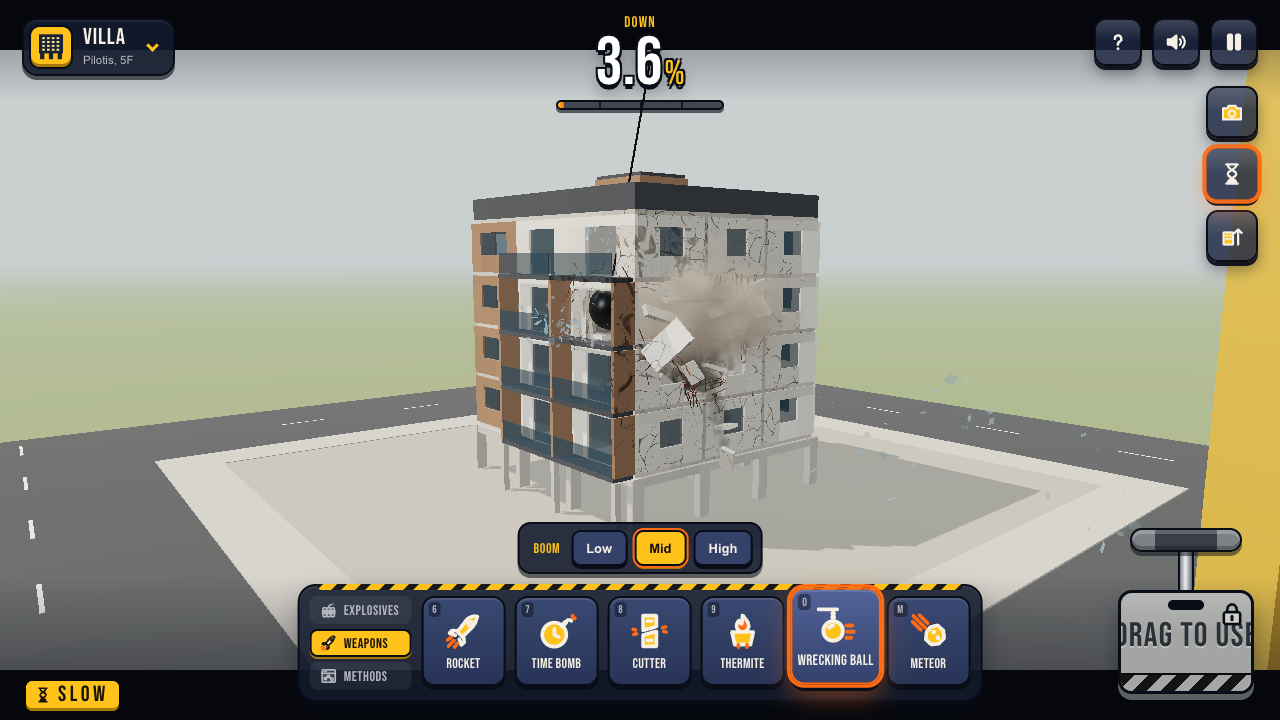
- Wrecking Pro: bring down 70% of the villa with the wrecking ball
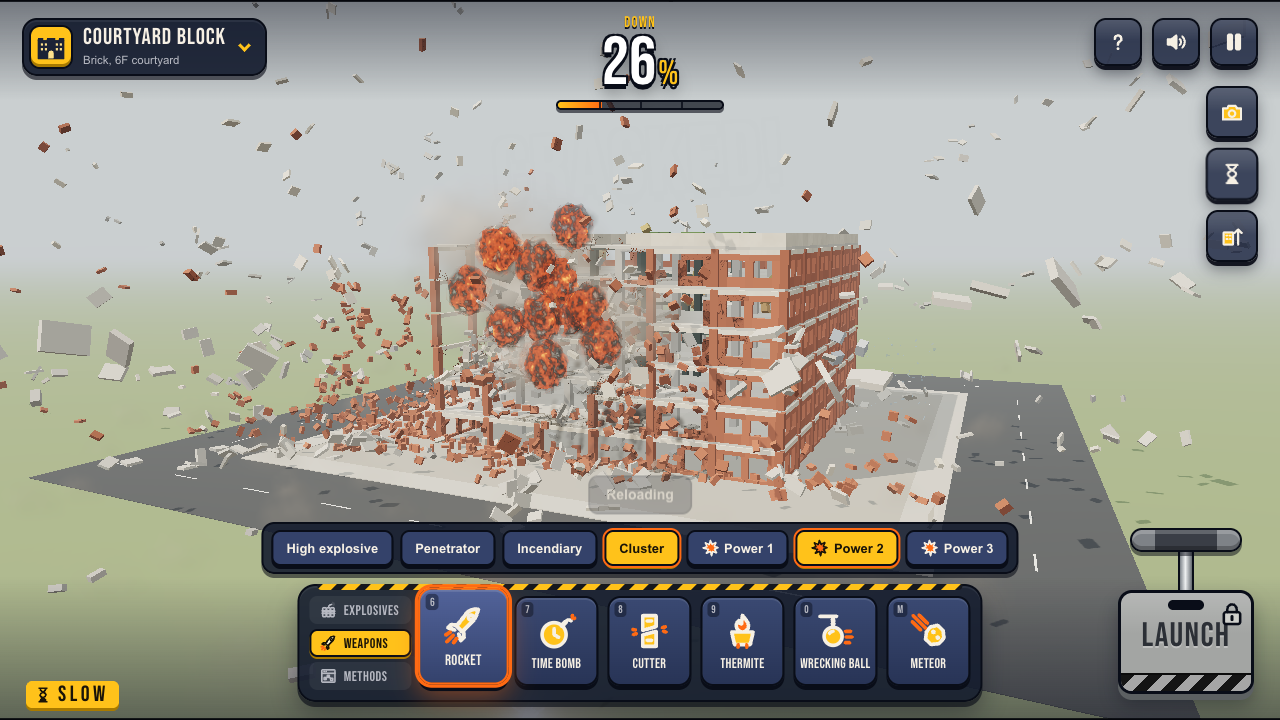
- Rocket Ace: bring down 40% of the office with rockets
- Judgment from Above: one meteor, 70% of the apartment
- Eiffel, Go South: lay the tower down to the south (within 20°)
- Tip Pisa: topple the Leaning Tower in one piece
Buildings
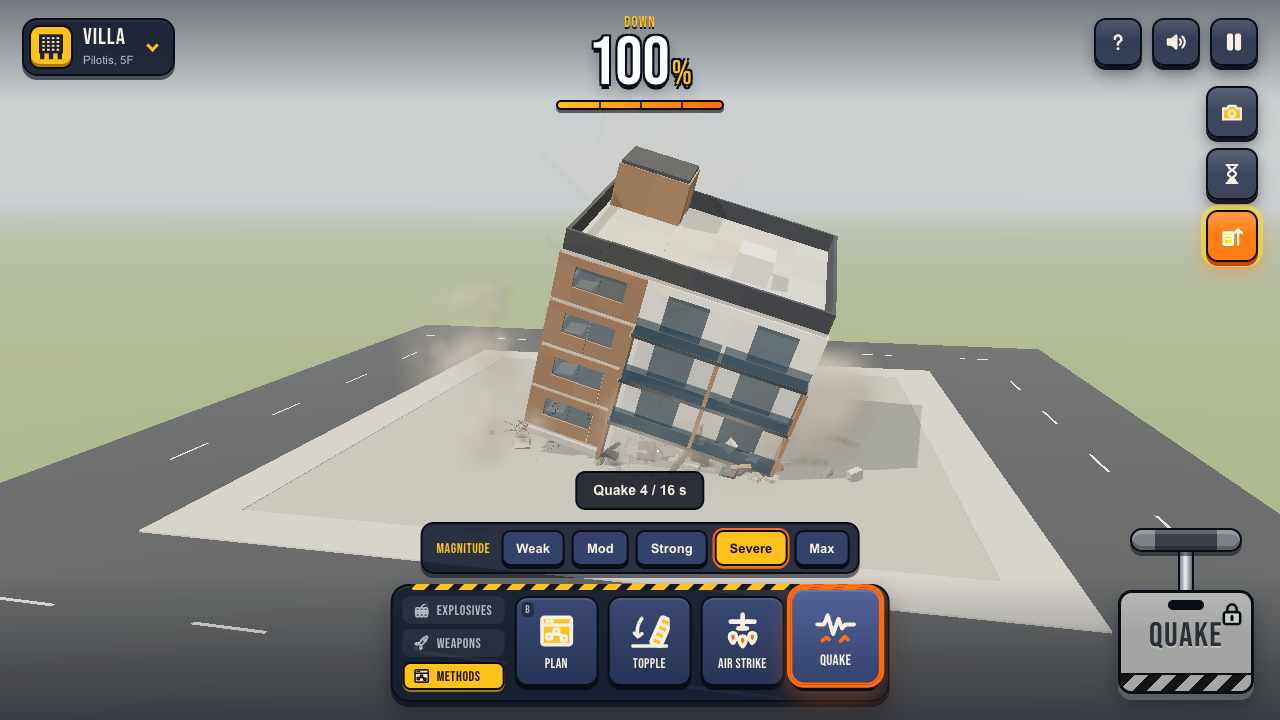
- Homes and offices (7): Cabin (log, 1F + loft) · House (brick, 2F) · Villa (pilotis, 5F) · Office (curtain wall, 15F) · Apartment (slab block, 25F) · U-Block (stone and glass, 8F) · Courtyard Block (brick, 6F courtyard)
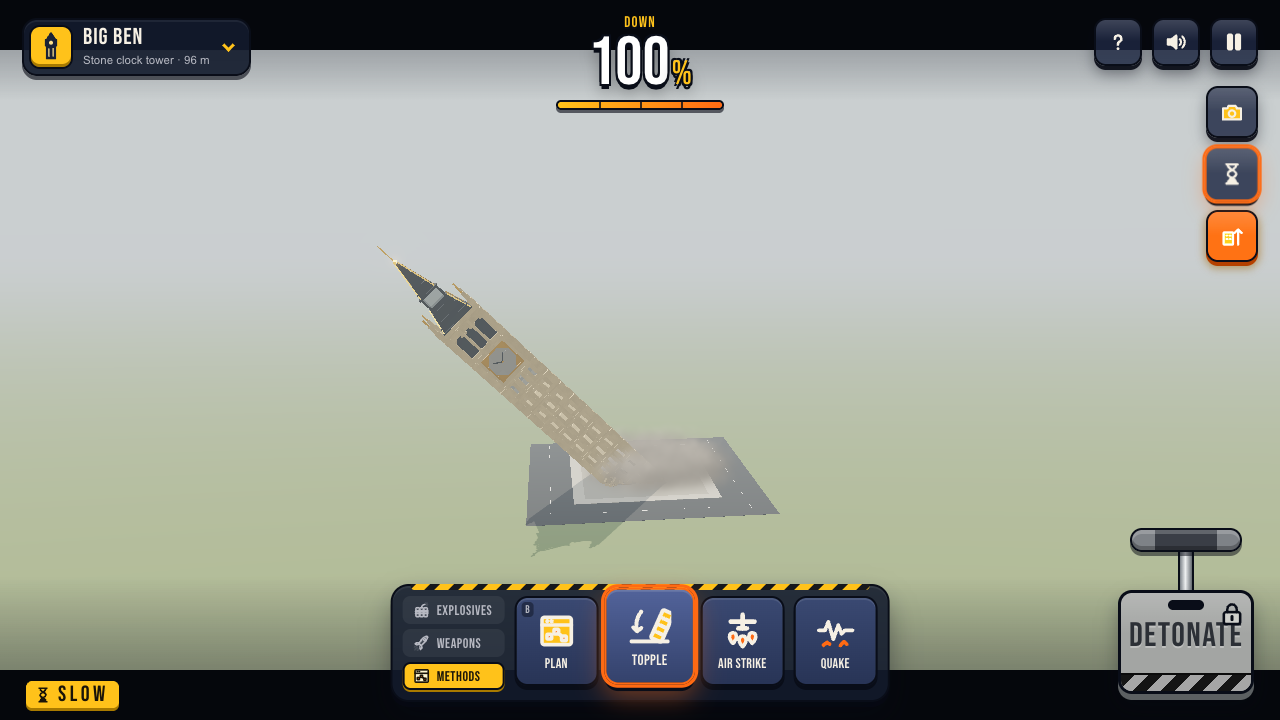
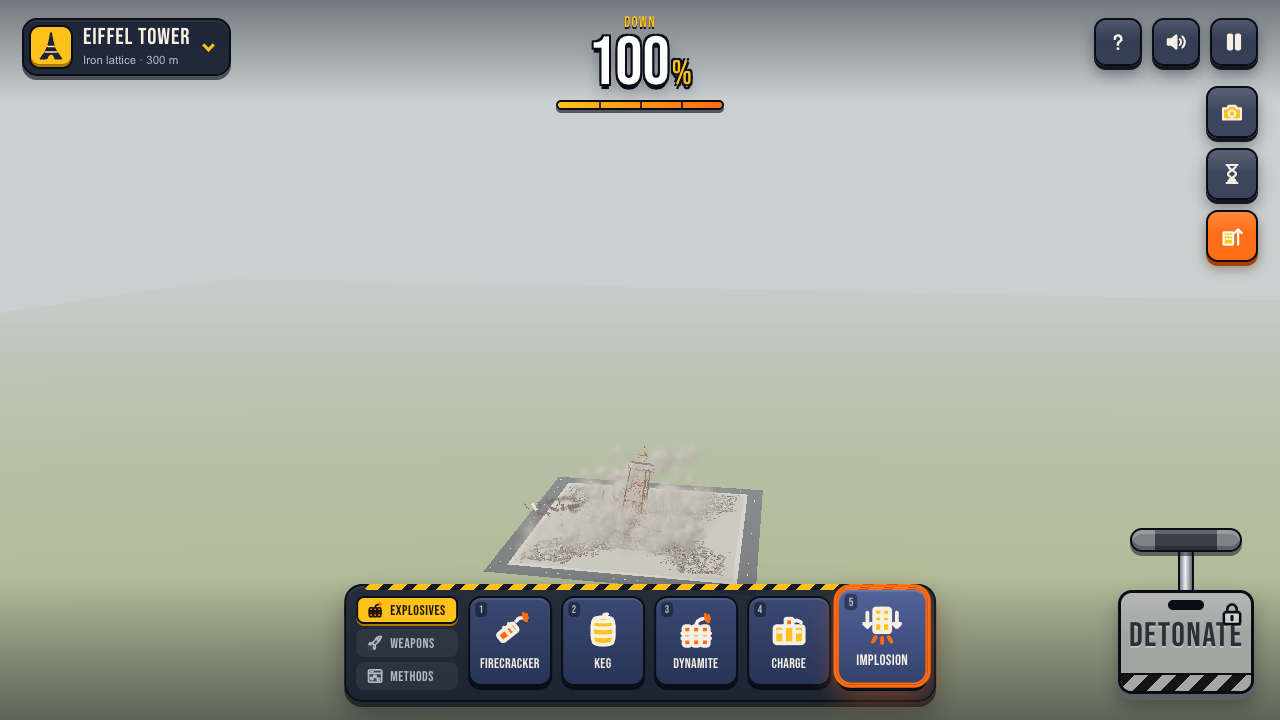
- Landmarks (3, stylized recreations): Eiffel Tower (iron lattice, 300 m) · Leaning Tower of Pisa (marble drum, 8 tiers, 4° lean) · Big Ben (stone clock tower, 96 m)
Tools
- Explosives: Firecracker · Keg · Dynamite · Charge · Implosion (pre-drilled ground-floor charges that fire from the center out)
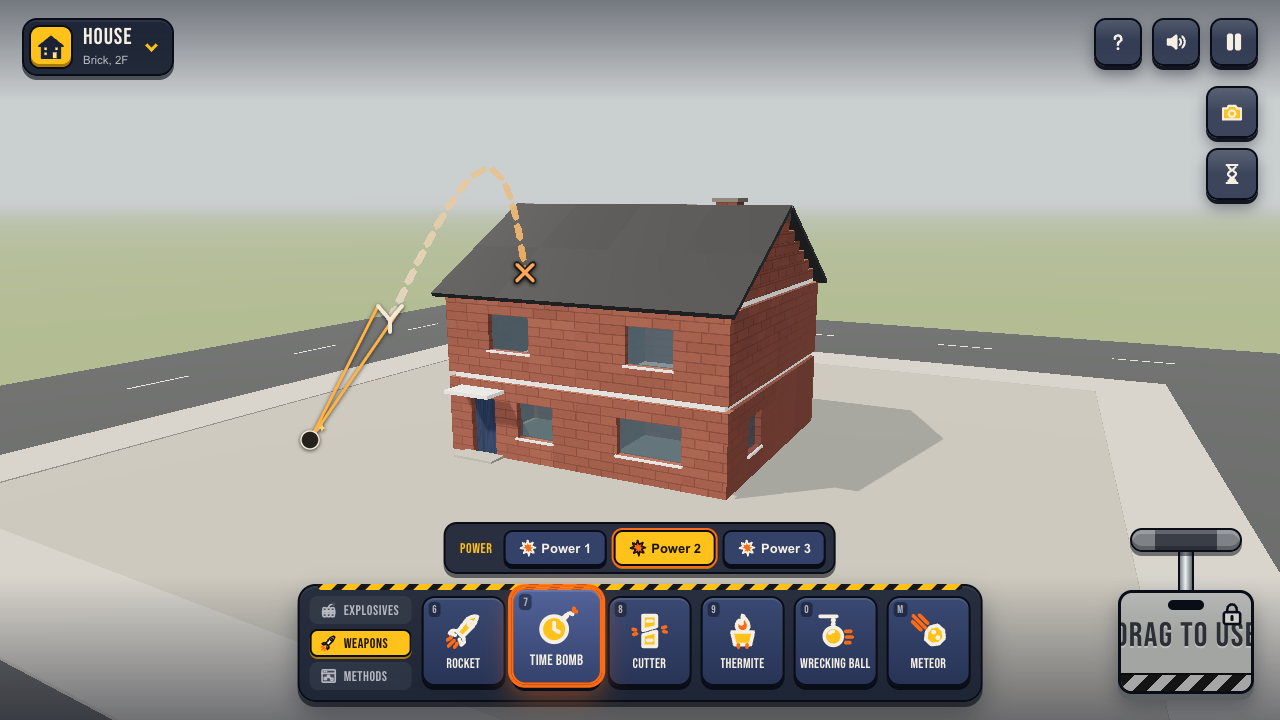
- Weapons: Rocket (high explosive, penetrator, incendiary or cluster rounds, power 1–3) · Time bomb (pull back and throw) · Cutting charge (cuts columns, walls and beams) · Thermite (melts a support) · Wrecking ball (drag to swing; low, middle or high boom) · Meteor (small, medium or large)
- Methods: Plan (sequence of up to 12 charges in 6 kinds — firecracker, keg, dynamite, charge, cutter, thermite — with delays in 0.1 s steps) · Topple (drag the ground to choose the fall direction) · Air strike (draw a line on the ground) · Earthquake (5 magnitudes)
Controls
Desktop
- Left drag — Orbit the camera
- Right drag · Shift+drag — Pan
- Wheel — Zoom
- Click — Place a charge or fire a weapon (implosion holes are pre-marked)
- Left drag (time bomb, wrecking ball, topple, air strike) — Pull and release to throw or swing, drag the ground to aim a fall, or draw a strike line. With these tools, right drag orbits
- 1 – 5 — Firecracker · keg · dynamite · charge · implosion
- 6 7 8 9 0 M — Rocket · time bomb · cutter · thermite · wrecking ball · meteor
- B — Methods: plan · topple · air strike · quake
- Space — Plunger (detonate / fire)
- C — Switch camera (front, side, aerial, ground)
- S — Slow motion
- Esc — Pause / resume
Mobile / touch
- One finger — Orbit the camera
- Two fingers — Pinch to zoom · drag to pan
- Tap — Place a charge or fire a weapon
- Pull and let go — Throw a time bomb · swing the wrecking ball (two fingers orbit)
- Plunger — Detonate · launch · ignite · drop · strike · quake
- Side buttons — Switch camera · slow motion · restore the building
Browser tips
- You need a browser with WebGL 2 and hardware acceleration turned on. A recent desktop Chrome, Edge, Firefox or Safari works best.
- Press the fullscreen button for the best view.
- If the frame rate drops, open Settings → Quality and pick Medium or Low, or press Re-measure.
- Sound starts after your first click or tap (browser autoplay rule).
- Progress is stored in your browser. Private windows or blocked site data mean stars and plans won't be kept, but the game still plays.
Credits
Made by EchoPlayroom — https://echoplayroom.com
Physics: Rapier (Apache-2.0) · Rendering: Three.js (MIT) · UI: React (MIT) — see THIRD-PARTY-NOTICES.txt
Development log
- WARURU is out: bring down a building in your browser10 hours ago
Leave a comment
Log in with itch.io to leave a comment.